The Underrated Power of Claude Code Skills and Custom Commands
Discover how custom Claude Code skills can transform your workflow from repetitive to effortless — with visual diagrams that make it crystal clear.
If you're using Claude Code, there's a hidden gem you might be missing: custom skills. Think of them as shortcuts that make Claude do exactly what you need, faster.
What Are Skills, Really?
Imagine having a personal assistant who already knows your favorite coffee order. You don't need to explain it every time — you just say "the usual" and it happens.
That's what skills do for Claude Code. Instead of explaining the same task repeatedly, you create a skill once, and then just call it by name.
Before vs After Skills
Here's what life looks like without skills versus with them:
Real Example: Blog Management
Let's say you have a blog (like this one!). Here are skills that make managing it effortless:
The Workflow
Here's how these skills work together:
How to Set Up Your Own Skills
Getting started is straightforward. Here's the simple process:
.claude/skills/skill.md file/skillThat's it! No coding required — just plain English instructions that Claude understands.
Why This Changes Everything
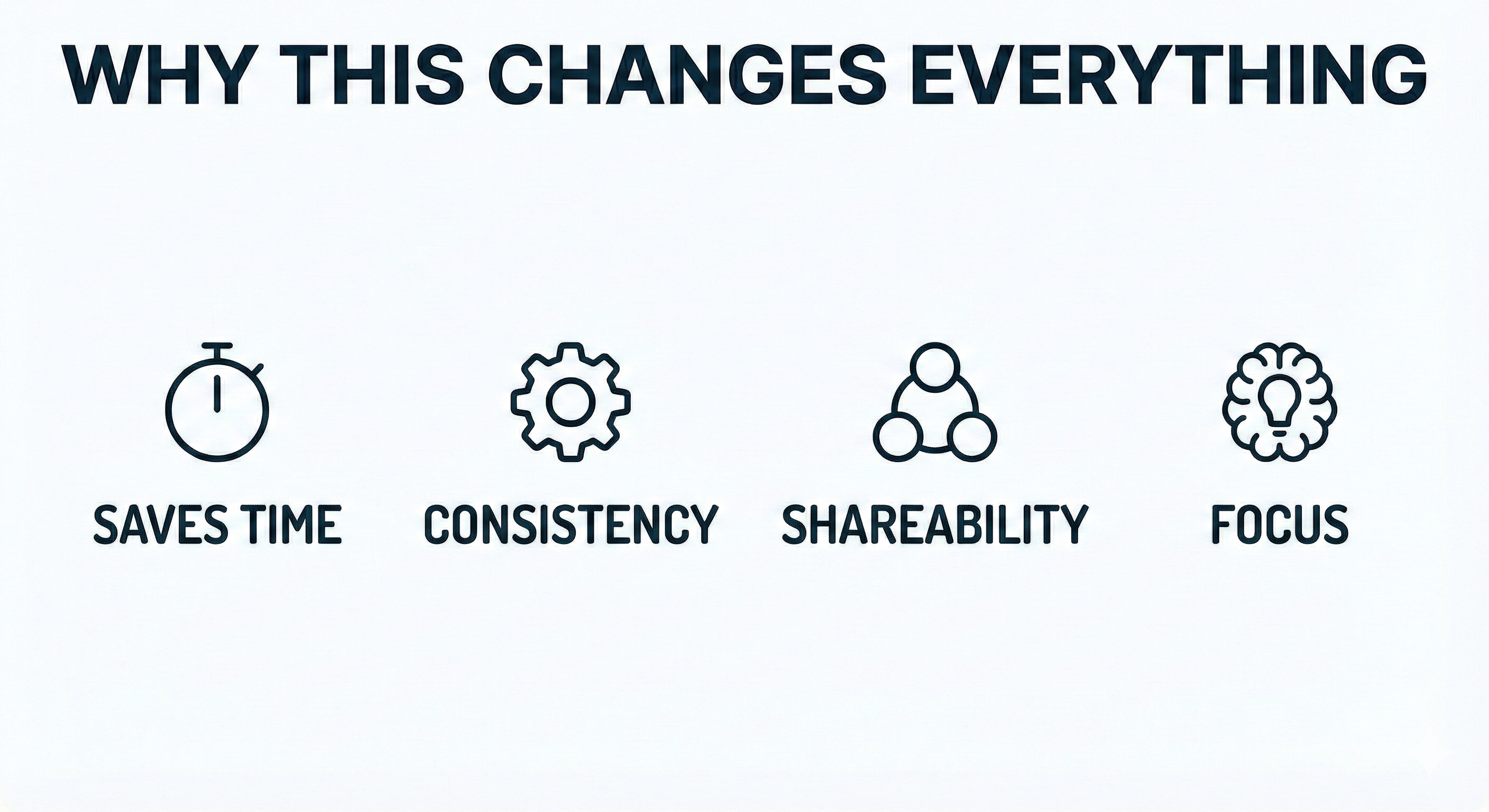
- Saves Time — No repeated explanations. Instant execution every time.
- Consistency — Same result every time. No forgotten steps.
- Shareability — Team uses same skills. Onboard people fast.
- Focus — Less mental overhead. More creative work.
Getting Started
Start small. Pick one task you do repeatedly and turn it into a skill. Maybe it's:
- Deploying your app
- Running tests
- Creating a new component
- Generating a report
Once you feel the magic of that first skill, you'll want to create more. Before you know it, you'll have a personal toolkit that makes you incredibly productive.
The best part? Your skills grow with you. As your workflow evolves, so do your skills. It's like having an assistant that keeps getting better at understanding exactly what you need.